Security & control
Who may do what, decided one permission at a time
Access in WorkSuite is not a set of roles with screens attached. It is 335 named permissions, and a role is whichever of them you grant.
Access
What a role is made of
Permission-led, not screen-led
Roles are built from 335 named permissions. Seeing an employee is one thing; seeing their identity number, their personal details or their bank account number are three more, each granted on its own.
The same pattern everywhere
Cost price and margin in Inventory, bank details in Payroll, another company’s figures in Accounting — each behind a permission of its own rather than assumed from a job title.
Sending out is separate from seeing
Print, email, download, share by link, send to chat and send on WhatsApp are six separate permissions, so “view” never quietly implies “send out”.
Two-factor sign-in and session control
Second factors, active sessions and a sign-in history kept against each account, with quarantine for accounts that need holding.
Companies kept apart
Several companies in one installation, each with its own books, staff and numbering. A consolidated view across them is itself a permission.
Account security without exposing credentials
HR can see the state of an account — whether a second factor is on, when it was last used — without being able to read anything that would let them sign in as somebody.
Hosting
Where it runs, and what happens to it
Your server, your jurisdiction
Every plan runs on a server of its own. You decide where the data lives — in a data centre we manage, or on your own infrastructure.
One database, not a set of syncs
The apps share records rather than copying them between systems. There is no integration layer holding a second copy of your customer list.
Scheduled backups and restore
Databases and files backed up on a schedule, with restore when you need it. An off-site backup server can be added to any plan.
Monitoring and service health
Platform condition and monitoring alerts, acknowledged and closed by an administrator rather than disappearing into a log.
Deliberate API access
API keys issued and revoked one at a time, with 2,644 routes available to callers you have authorised.
A record of what happened
Assignments, status changes, pipeline moves, conversions and other sensitive actions are recorded against the record they happened to.
Sharing
Sharing that is actually enforced
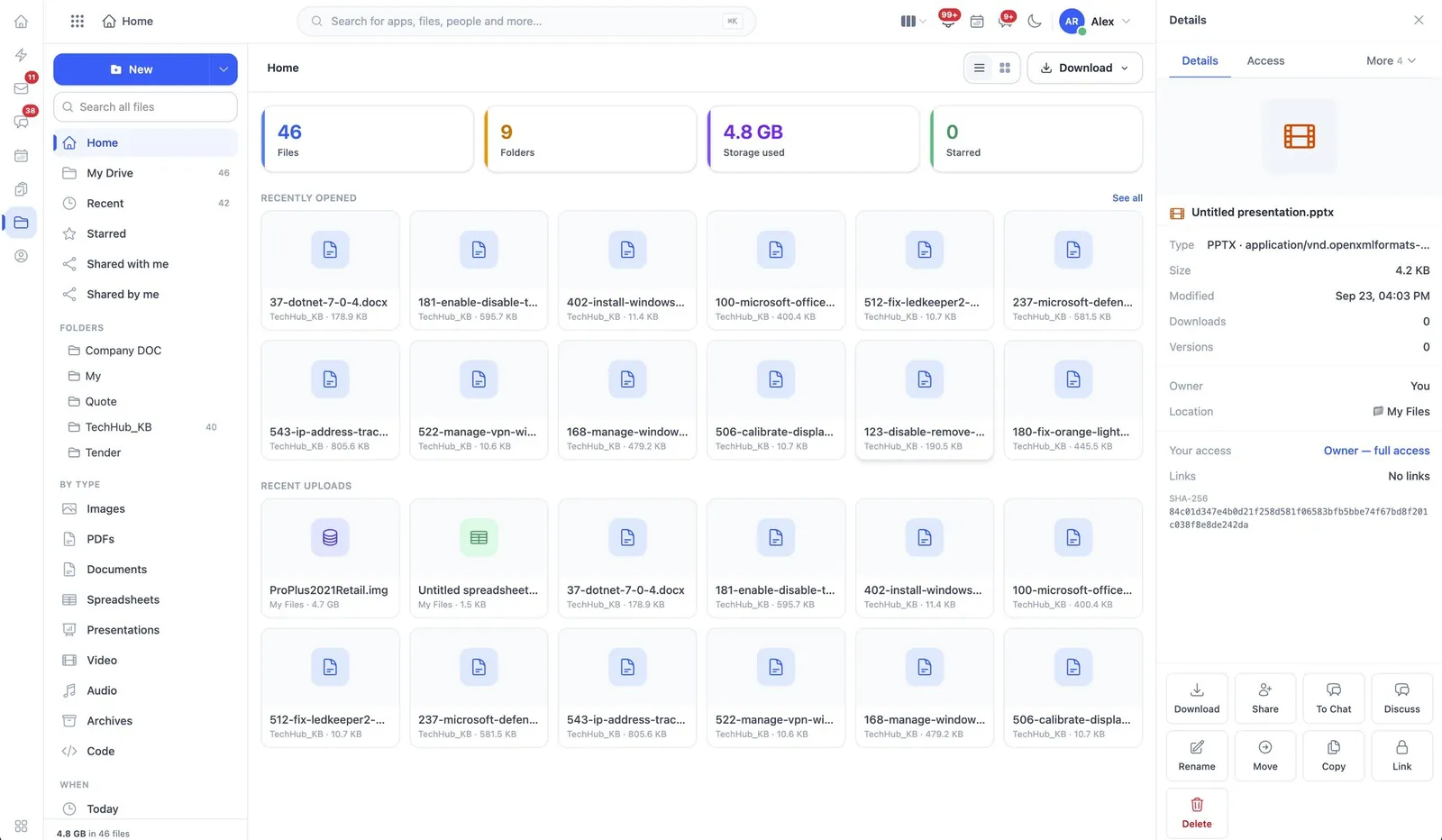
Drive alone carries fifteen permissions. Changing somebody else’s access is separate from sharing; downloading is separate from viewing; restoring from the recycle bin is its own act. When WorkSuite connects to Google Drive or OneDrive it never overrides the permissions those services already enforce.
Doing your own due diligence
If you need to review how the platform handles your data before you commit — hosting arrangements, backup and retention, access control, or a security questionnaire from your own team — ask, and we will answer it in writing rather than point you at a badge.
No badges on this page
There is no published audit or certification this site can point at, so there is no row of logos here. When there is one, it will appear with its scope and its date.
Send us your security questions
We will answer them against how the software actually works, including the parts it does not do.